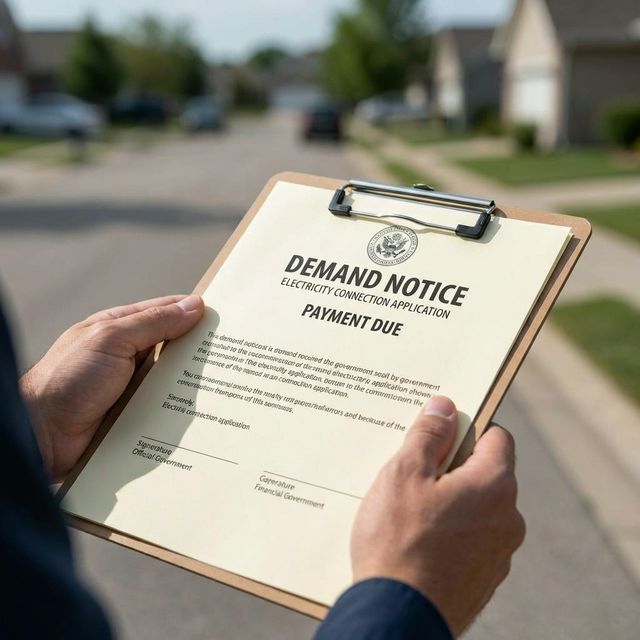
If you're building a new house in Gujranwala or finally getting a separate meter installed to avoid the high-tier pricing slabs, you are probably desperately waiting for your GEPCO Demand Notice. It’s the final approval step before they send the linesmen to your property.
We see a lot of people confusing a "Demand Notice" with a regular monthly electricity bill. They are two completely different things. You cannot check your Demand Notice by entering a 14-digit reference number on our monthly bill checker because your new connection doesn't have a reference number yet! Here is the exact, hassle-free way to track down and print your Demand Notice online.
What exactly is a Demand Notice?
When you apply for a new electricity connection through the official ENC (Electricity New Connection) system, GEPCO surveys your property. If approved, they issue a "Demand Notice" — essentially an invoice for the initial security deposit, wiring, and meter installation costs. You must pay this before they bring the meter to your house.
How to Track Your Application Status
Instead of visiting the local Wapda office in person, you can do this entirely online. You just need the Tracking ID that was given to you when you first submitted your new connection application.
- Go directly to the official tracking website: enc.com.pk
- Look for the "Track" option on their main menu.
- Select New Connection as your application type.
- Select GEPCO from the dropdown menu of companies.
- Enter your Tracking ID.
- Click Submit. The system will tell you exactly where your file is stuck or if it has been approved.
How to Download and Print the Notice
If your tracking status shows that the application has been approved, you can finally print the invoice.
- Go to the same official ENC portal (enc.com.pk).
- Click on the "Print Demand Notice" option in their menu bar.
- Select GEPCO and enter your Tracking ID again.
- The official PDF will appear on your screen. You can download it to your phone or go to a local shop to have it printed.
Crucial Warning: Pay It Before It Expires!
Every Demand Notice comes with a strict expiration date printed on the top corner. If you fail to pay it at a designated bank before that date, your entire application will be automatically canceled by the system, and you will have to start the massive paperwork process all over again.
What Happens After You Pay It?
Once you pay the Demand Notice at the bank, make sure you take the "Paid Copy" (the stamped receipt) back to your local GEPCO sub-division office. Often, the system doesn't update fast enough automatically, so physically handing them the receipt speeds up the process.
After that, it's just a waiting game for the linesmen to arrive with your brand new meter. Once the meter is active and you receive your very first monthly bill in the mail, you can come back to our homepage and use your new 14-digit Reference Number to check it instantly online. Before you pay it, we highly recommend reading our guide on how GEPCO calculates unit usage and slabs so you don't end up overpaying your first month!